


SPECIFICATIONS
Brand Name: U-Angel-1988
Choice: yes
For Vehicle Type: Airplanes
Four-wheel Drive Attributes: Corona Reciver
High-concerned chemical: None
Is Batteries Included: No
Is Electric: No Battery
Is it battery/power supply: N
Is it charger/adapter: N
Material: Metal
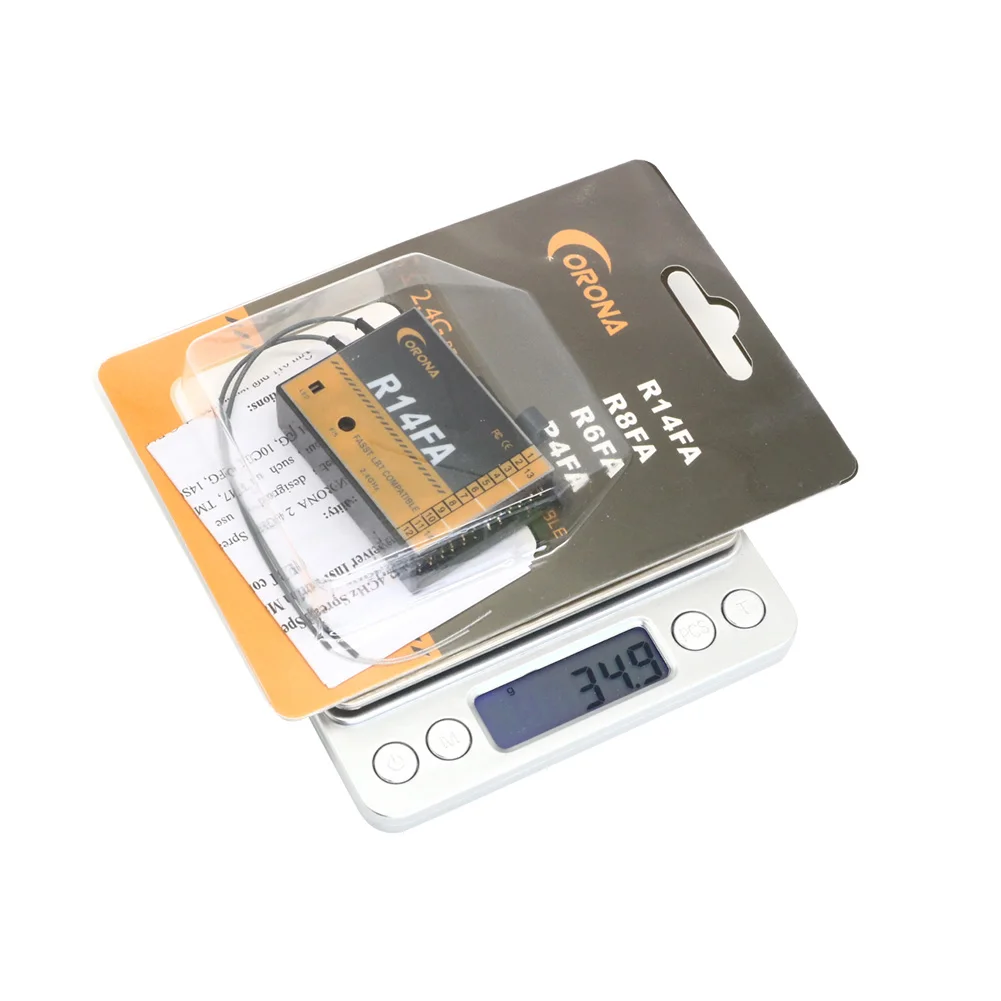
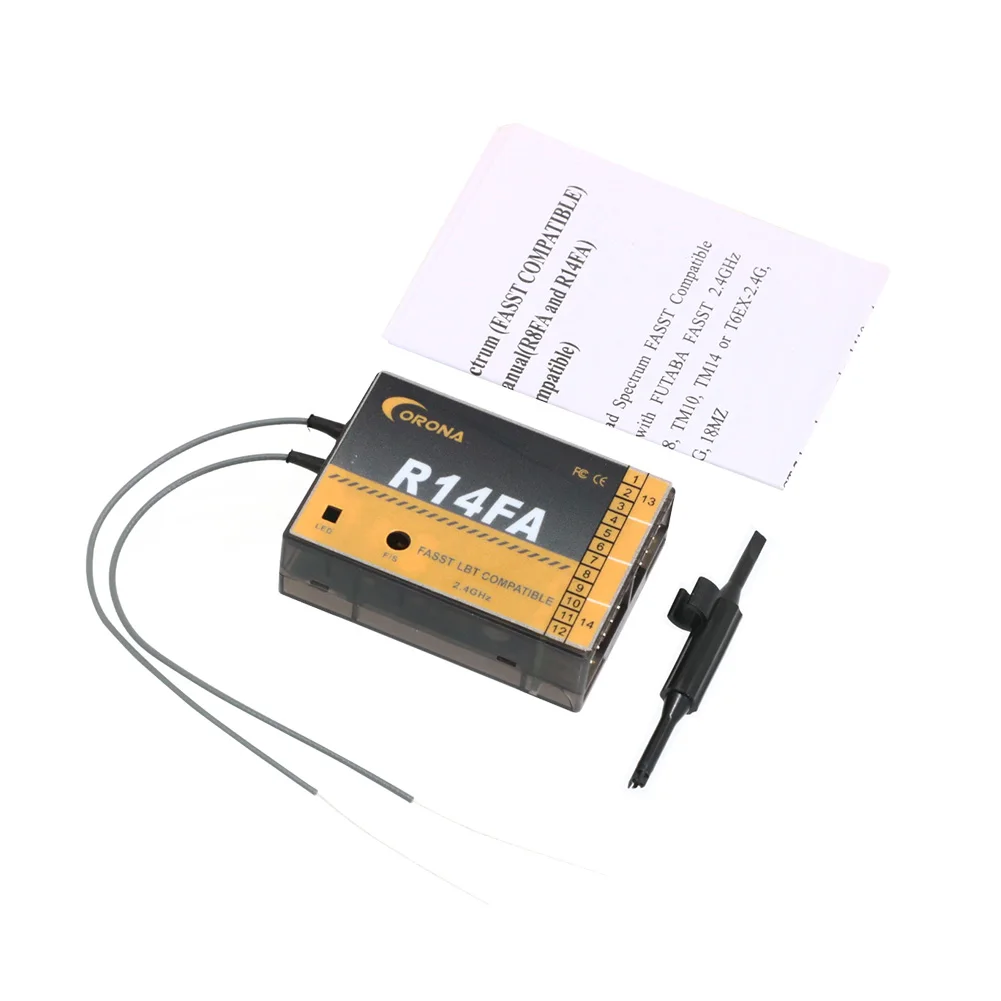
Model Number: Corona R14FA
Origin: Mainland China
Quantity: 1 pcs
RC Parts & Accs: Servos
Recommend Age: 14+y
Remote Control Peripherals/Devices: Servos
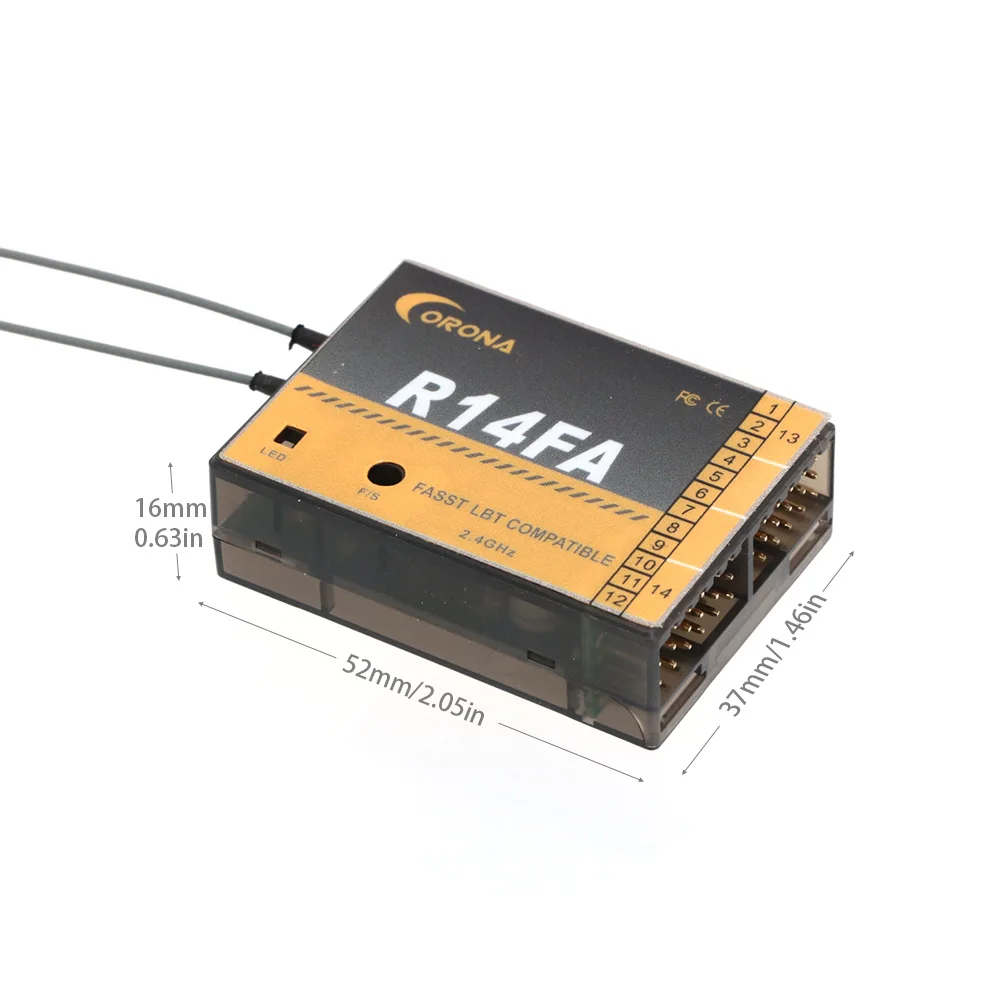
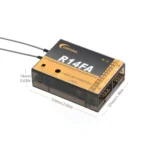
Size: 23 x 22 x12mm
Technical parameters: value 2
Tool Supplies: 14CH Fasst Reciver
Upgrade Parts/Accessories: Corona R14FA
Use: Vehicles & Remote Control Toys
Wheelbase: Screws

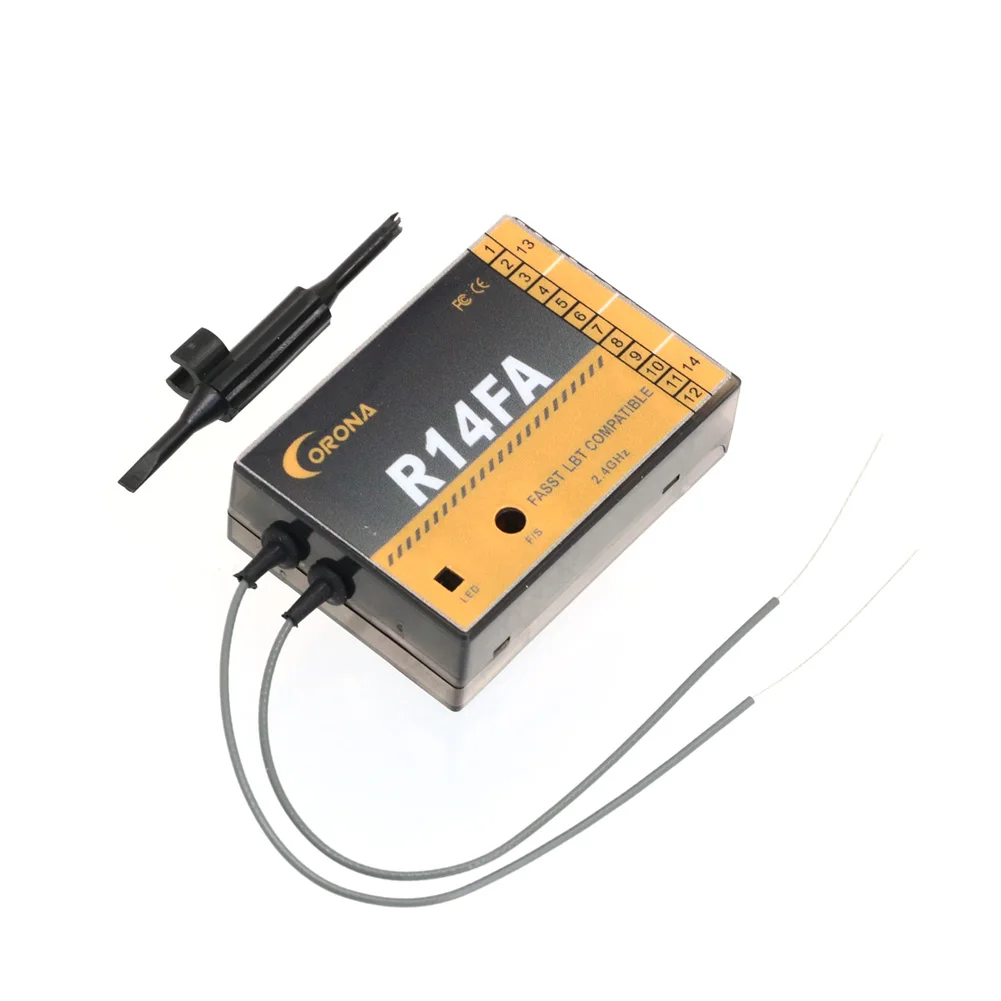
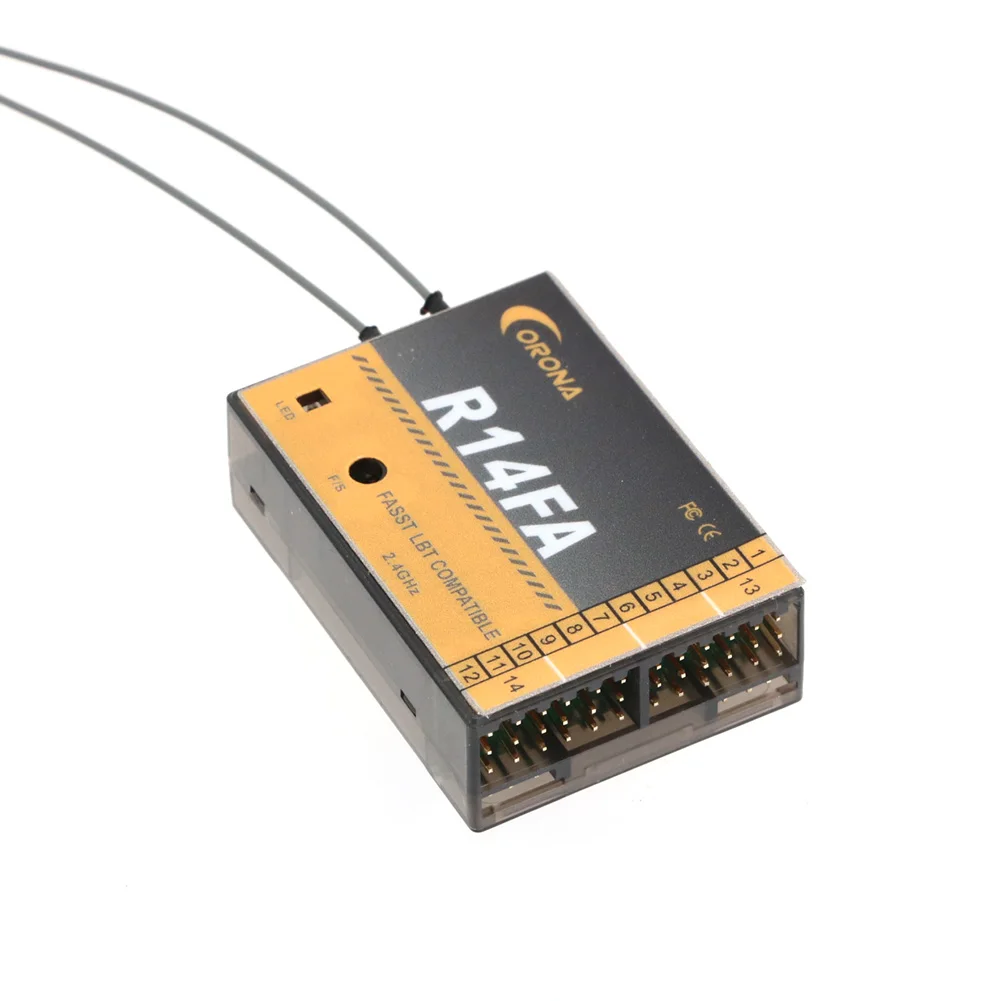
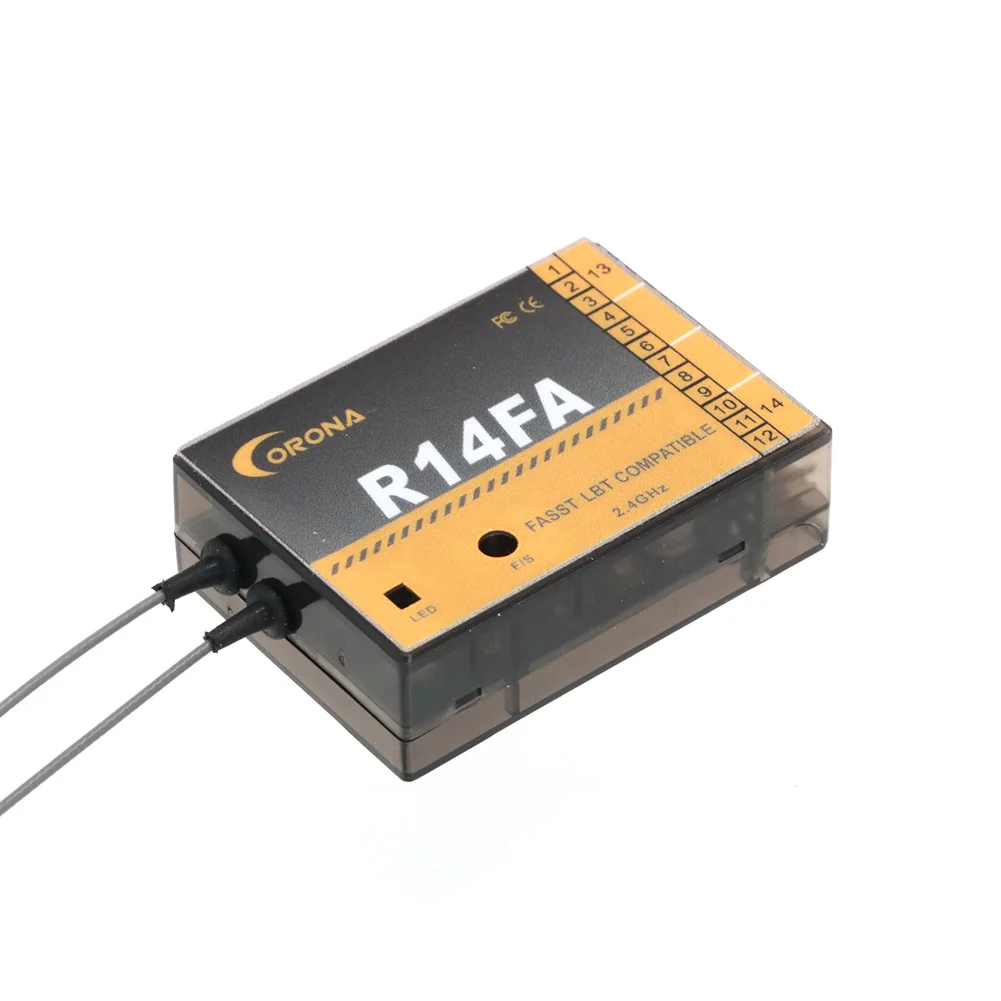
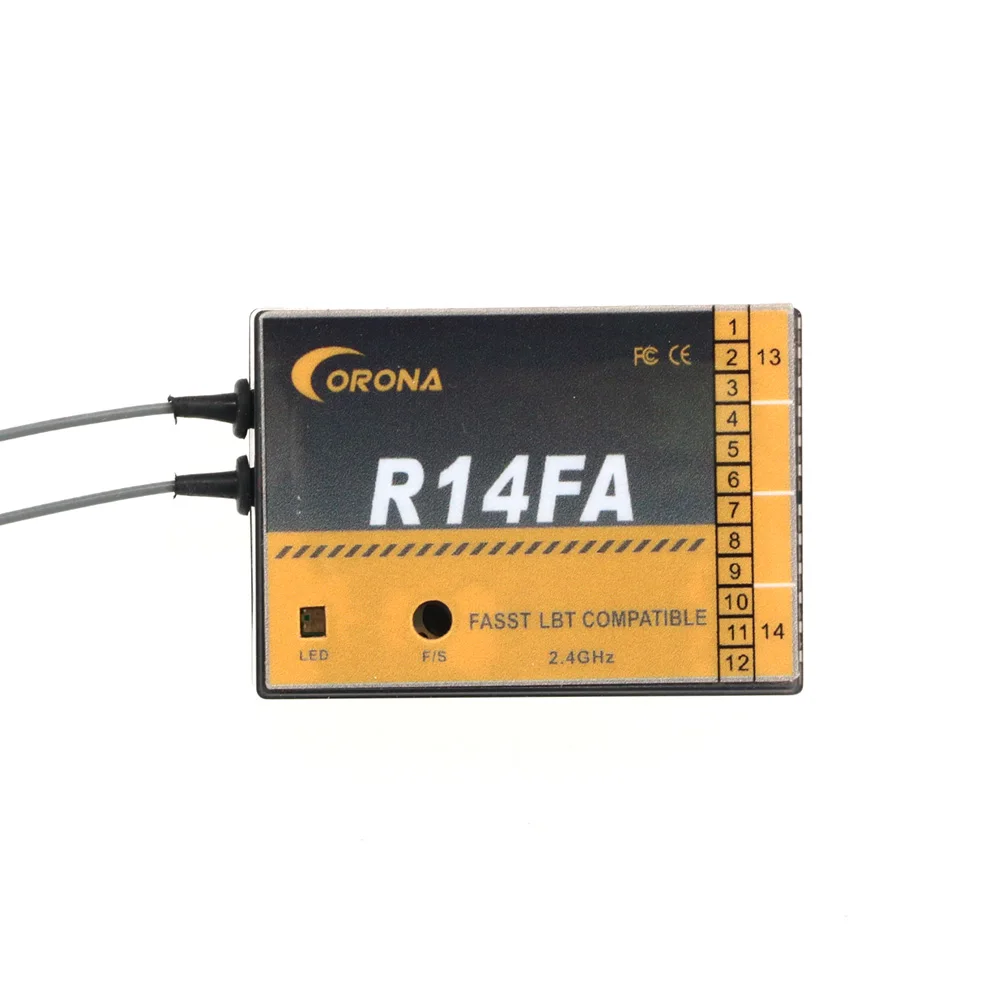
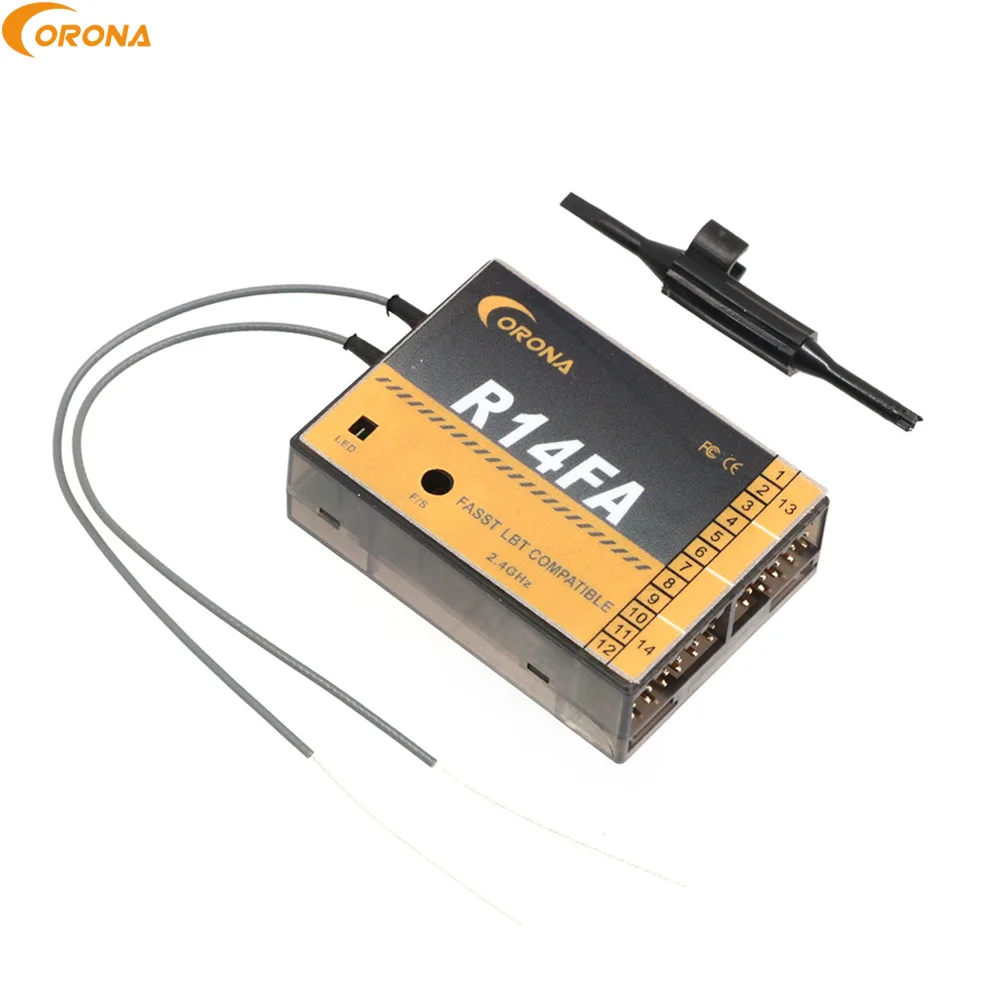
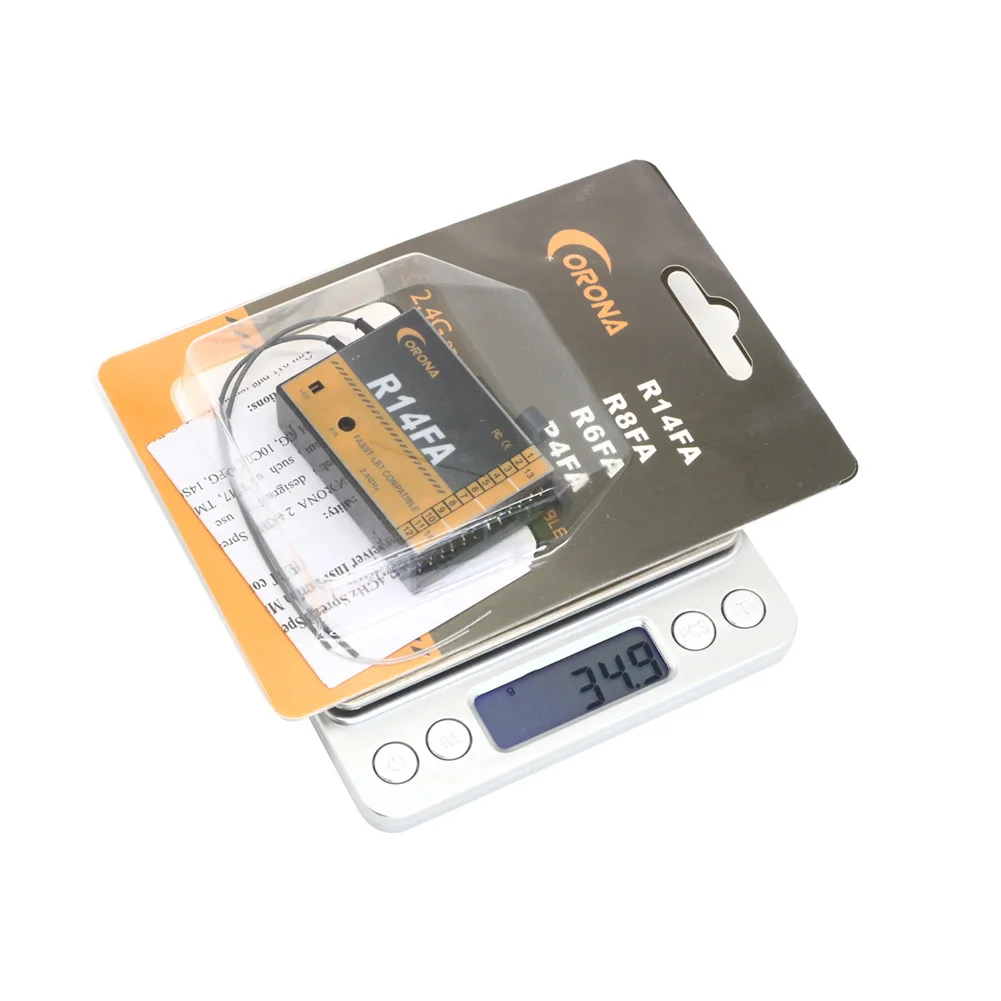
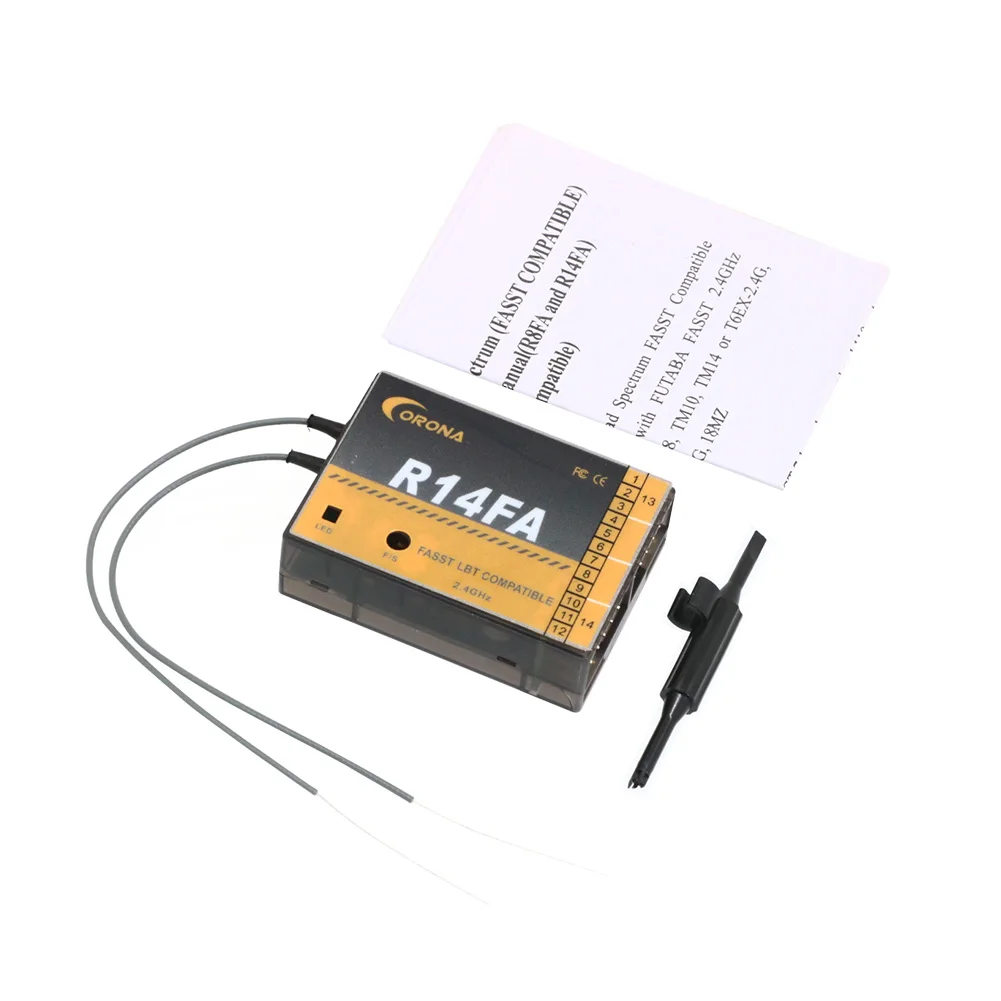
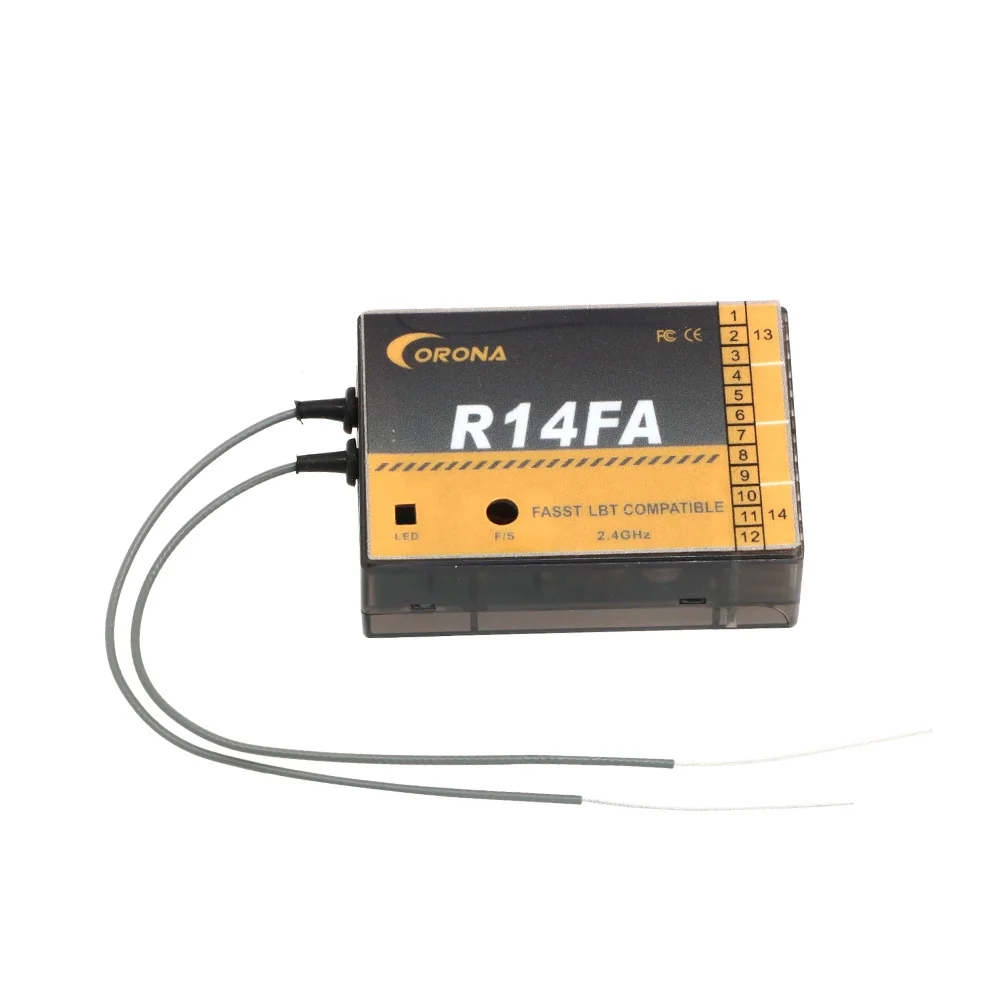
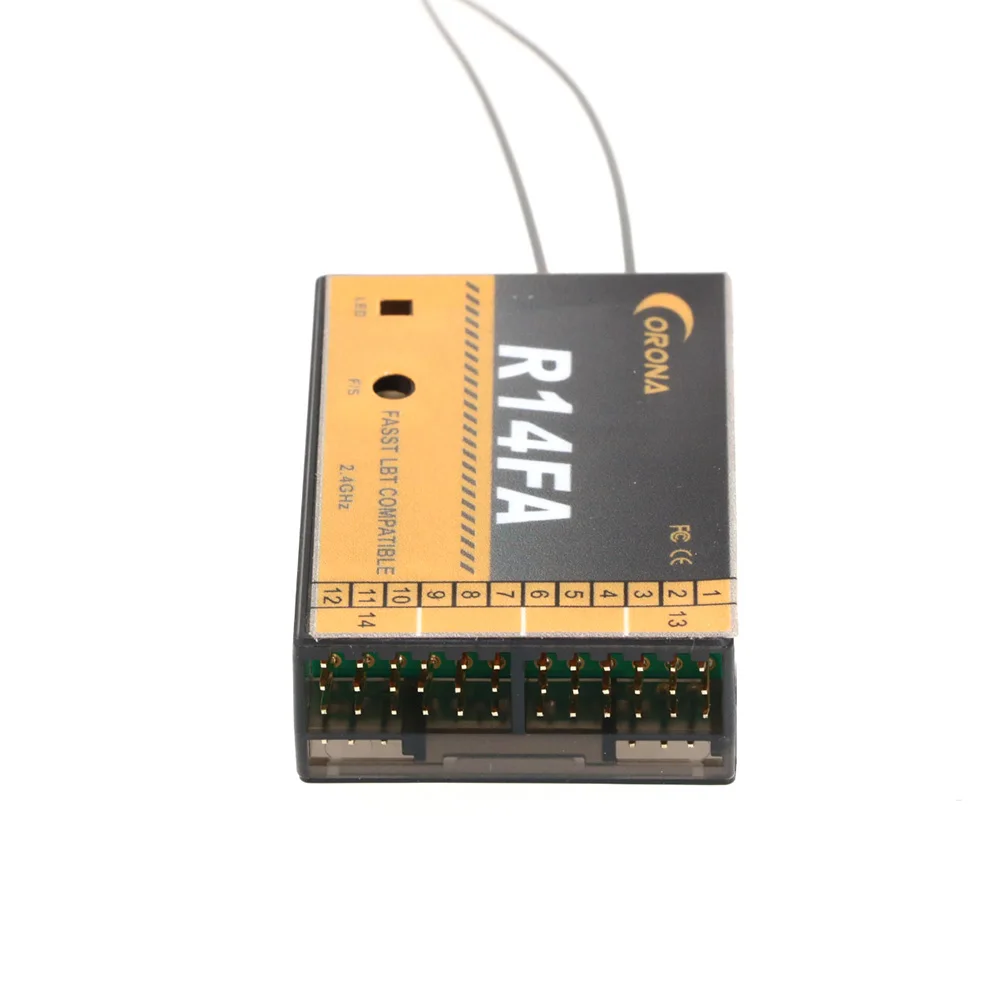
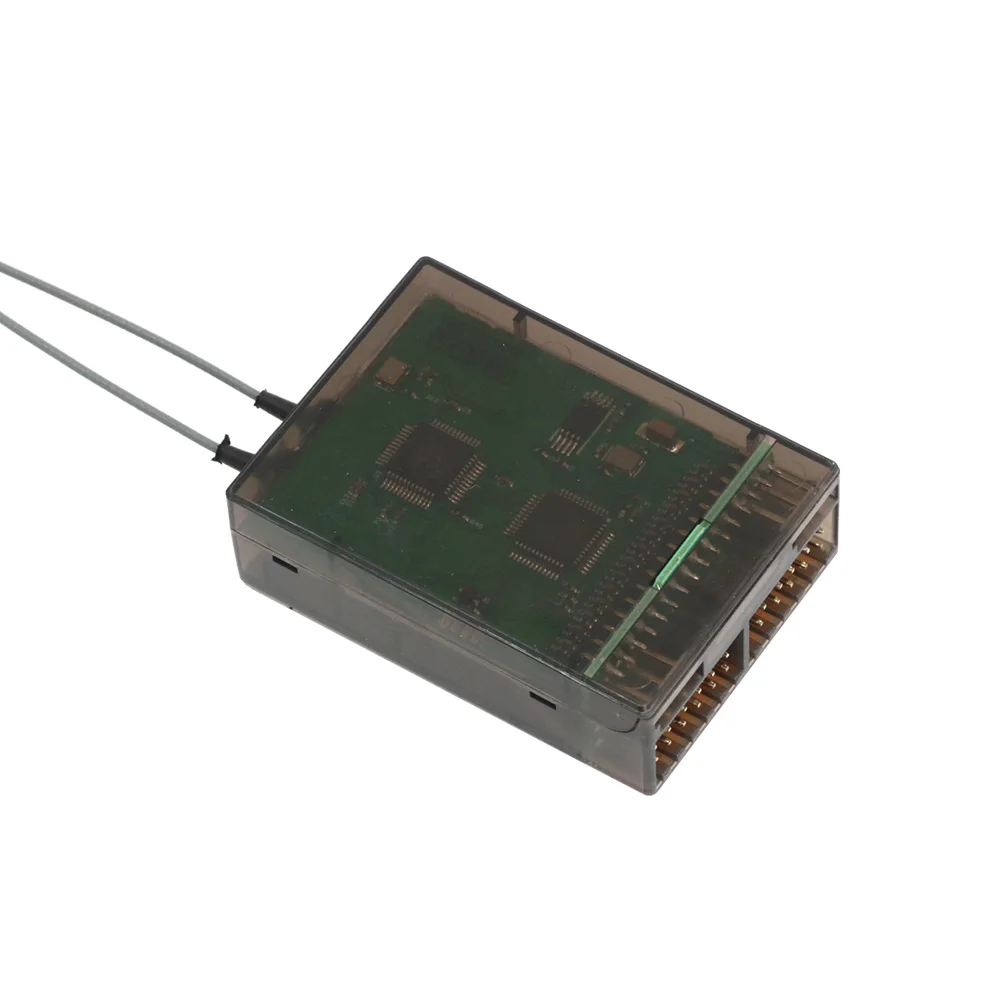
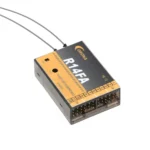
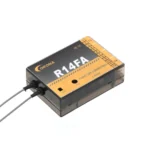
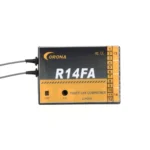
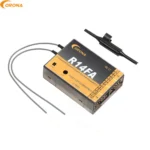
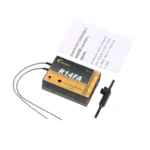
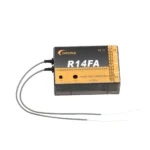
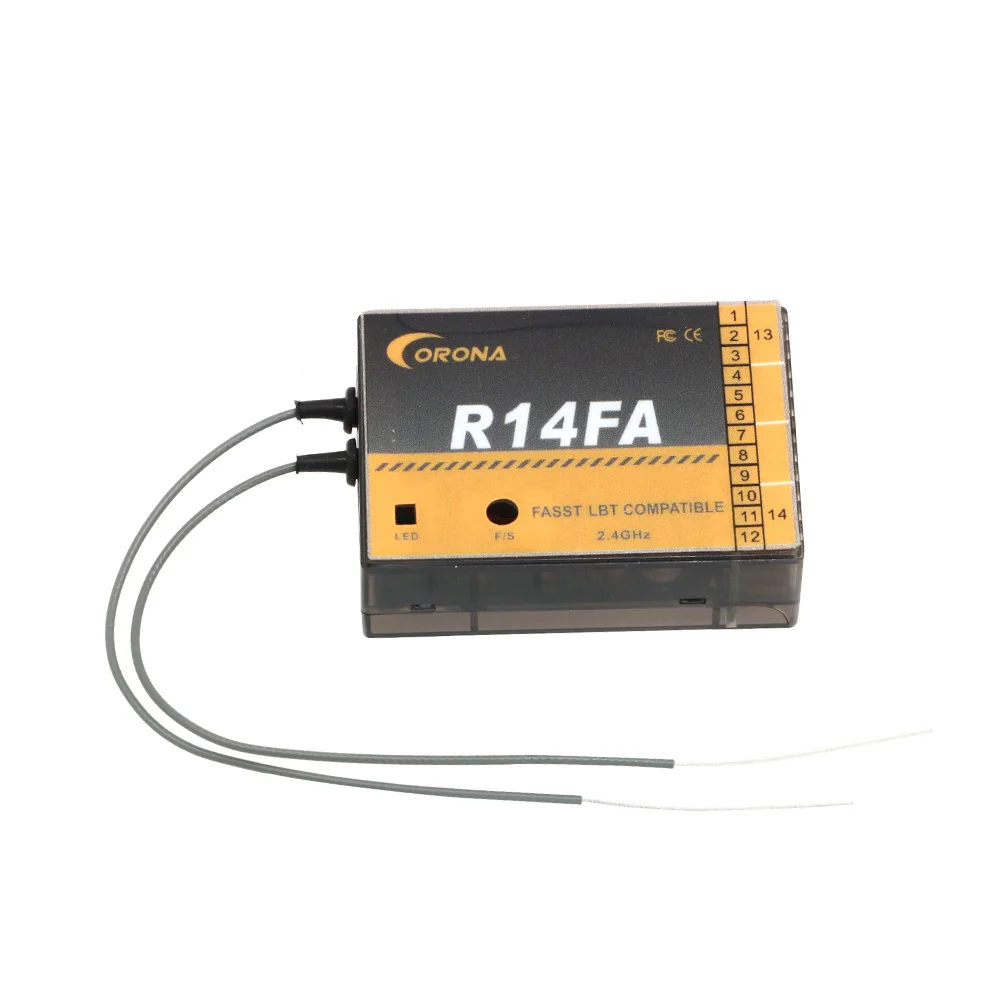
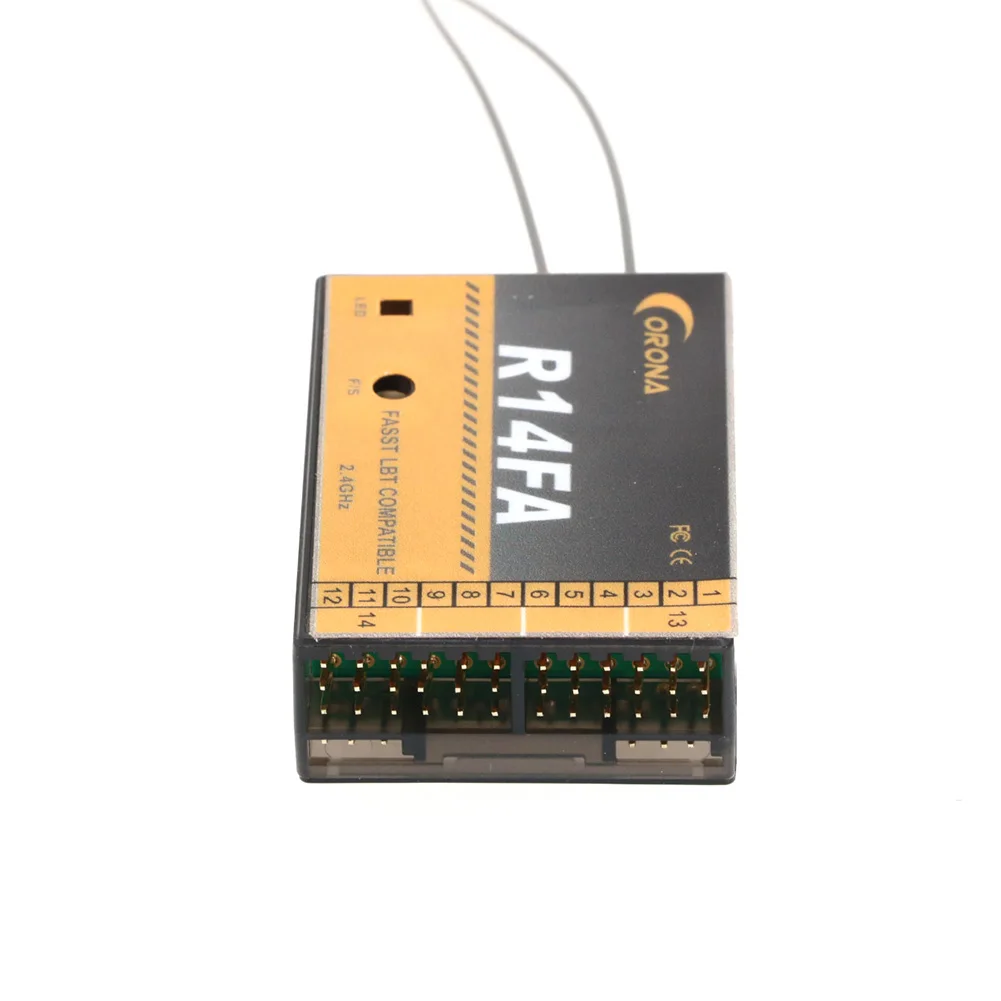
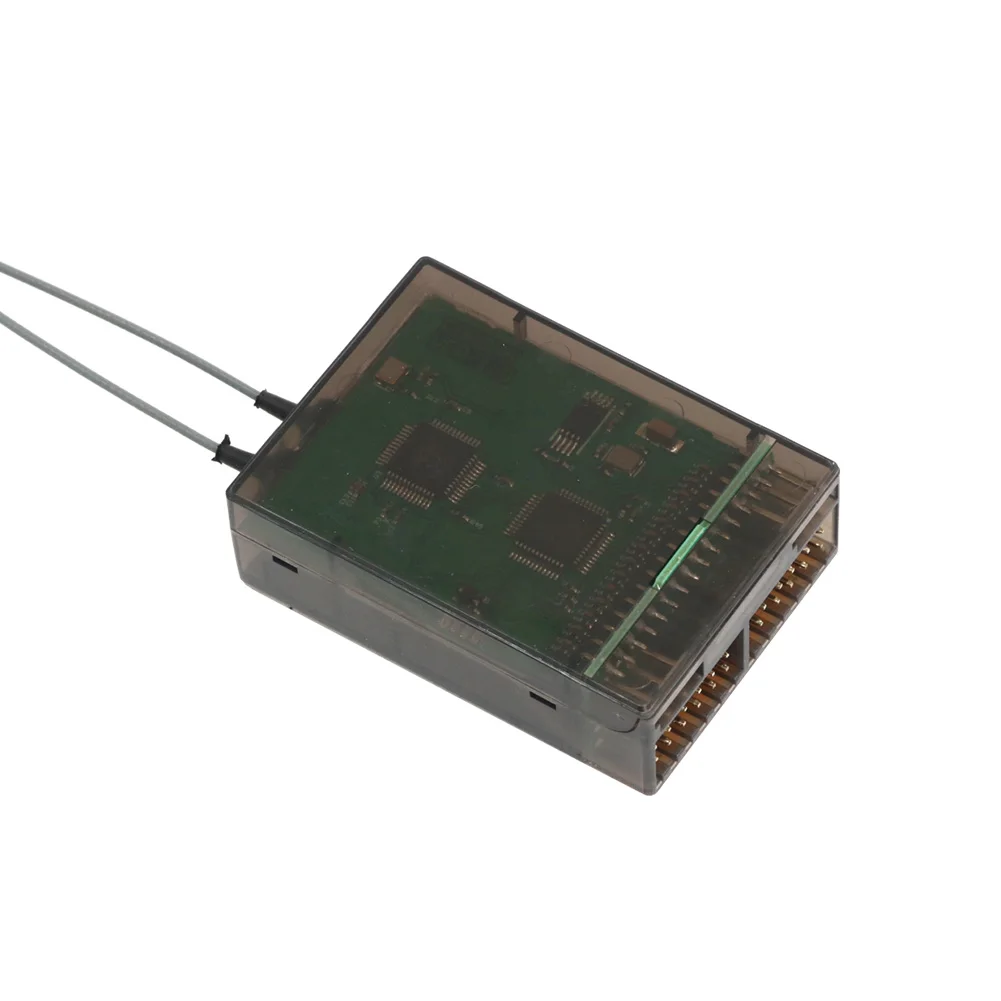
Item: Corona R14FA FASST Compatible 2.4Ghz 14Ch Receiver
Parameters:
Operating Current:
70mA @ FASST 7ch mode normal and 110 mA max,
80mA @ FASST multi-channel mode normal and 110 mA max
Operating Voltage: 4.0 ~10V
Latency:
7mS for high speed PPM (HS), 14mS for low speed PPM (LS) @ FASST multi-channel mode,
8ms for high speed PPM (HS), 16mS for low speed PPM (LS) @ FASST 7ch mode
Sensitivity: about -96dBi
Compatibility:
FASST 2.4G Air Systems(7CH Mode/Multi Mode):6EX,7C,TM-7,TM-8,T8FG,T10C,
TM-10,T10CG,14SG,T12Z,T12FG,TM-14,T14MZ,etc.
FASST 2.4G Surface Systems(C1 Mode):3PK,4PK,etc
Bind Procedure:
Turn on the FASST transmitter
Connect the battery to the receiver while pressing receiver's F/S button.
The Dual-color LED's continuous will cycle through the following:
Red LED light (searching radio signal)
Green LED light (acquired the radio signal)
Red LED off (bind ok)
Green LED flashes 10 times (ID store in memory)
Green LED lights solid (normally operation)
Fail-safe Setting:
There are two ways to set the Failsafe setting on the CORONA 2.4GHz Spread Spectrum FASST Compatible Receiver;
1.TX-failsafe feature: This method is to set failsafe on the FASST transmitter and has priority (works on channel 3 only under FASST 7ch mode or on multiple-channels under FASST multi-channel mode) while the receiver is working on, just like the FUTABA receivers.
2.RX-failsafe feature: Turn on FASST transmitter and turn on the CORONA 2.4GHz Spread Spectrum Receiver, put all the sticks and switches to where give the control inputs you want if the receiver looses signal and Press the F/S button down for about 5 – 6 seconds while the Green LED light solid (Rx in normal operation), then release the button. You will see the Red LED will flash for about 4 – 5 seconds. (Note: The Red LED will FLASH high speed to indicate the RX-failsafe is turned on OR FLASH low speed to indicate the RX-failsafe is turned off). If you press the F/S button a second time while the Red LED is flashing, the receiver will change its RX-failsafe status (on / off),then the LED will return to Green solid again. If you not press the F/S button .Nothing will be changed and the LED will return to Green solid again. If you want to cancel the RX-failsafe feature (not just turn it off), you can do it by binding the receiver again.
Note: If you do not set a failsafe setting, the receiver will hold all controls at the position of the last command received before signal was lost. When RX-failsafe is turned on, the receiver will initiate the RX-failsafe settings after loosing signal for over 1 second, the receiver will hold the last received positions until the failsafe takes over. When the RX-failsafe and TX-failsafe feature are both turned on, the receiver will use the TX-failsafe command.
We highly recommend you set failsafe feature while flying your models. An example of a useful Failsafe setting would be to shut down the model's throttle, so that it does not fly or drive away uncontrolled.
Speed Mode Setting:
Turn off the transmitter, connect the battery to the receiver, you will see the Red LED light flashing. The RED LED flash high speed to indicate receiver is in (HS) high speed PPM mode OR Low speed indicate receiver is under (LS) low speed PPM mode, press the F/S button for 5-6 seconds while the Green LED is off (Rx in signal searching status), then release the button. You will see the Green LED will flash for about 4 – 5 seconds. (Note: The Green LED will FLASH high speed under (HS)high speed PPM mode OR FLASH low speed under(LS)low speed PPM mode). If you press the F/S button a second time while the Green LED is flashing, the receiver will change its speed mode status (HS /LS), if you not press the F/S button. Speed mode will not be changed and the Red LED will flash at its original speed.
Important Note: If you are using analog servos in your model you must set the receiver to (LS) low speed PPM mode or your analog servo will get hot or burn out.

| Default Title | Default Title |
|---|
You must be logged in to post a review.
Reviews
There are no reviews yet.