









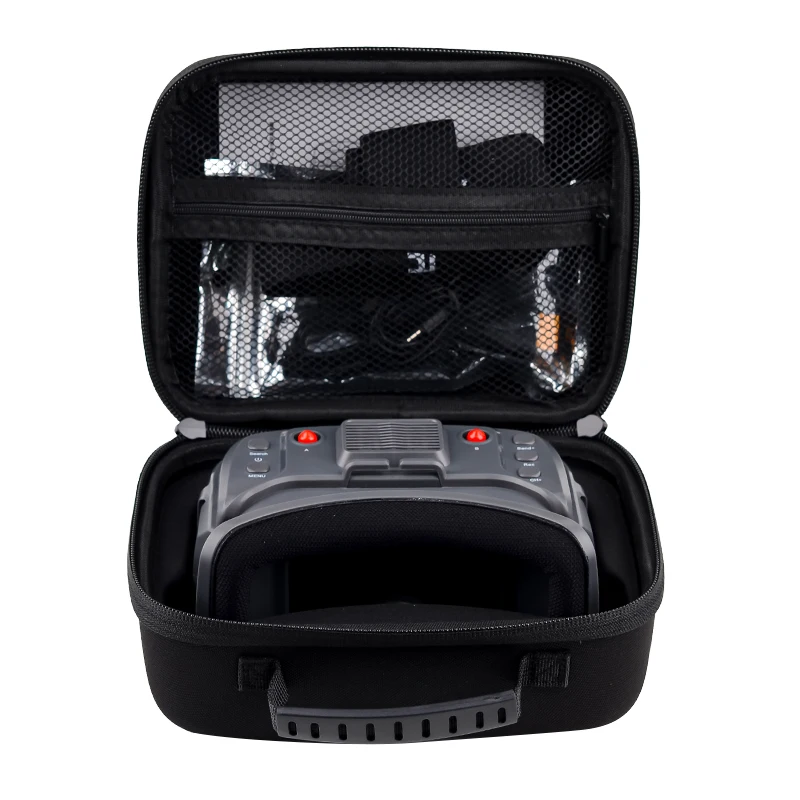


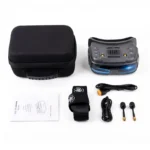




SPECIFICATIONS
Brand Name: U-Angel-1988
Choice: yes
For Vehicle Type: Airplanes
Four-wheel Drive Attributes: FPV Goggles
High-concerned chemical: None
Is Batteries Included: No
Is Electric: No Battery
Is it battery/power supply: N
Is it charger/adapter: N
Material: Metal
Model Number: LST835
Origin: Mainland China
Quantity: 1 pcs
RC Parts & Accs: Speed Controllers
Recommend Age: 14+y
Remote Control Peripherals/Devices: FPV Monitor
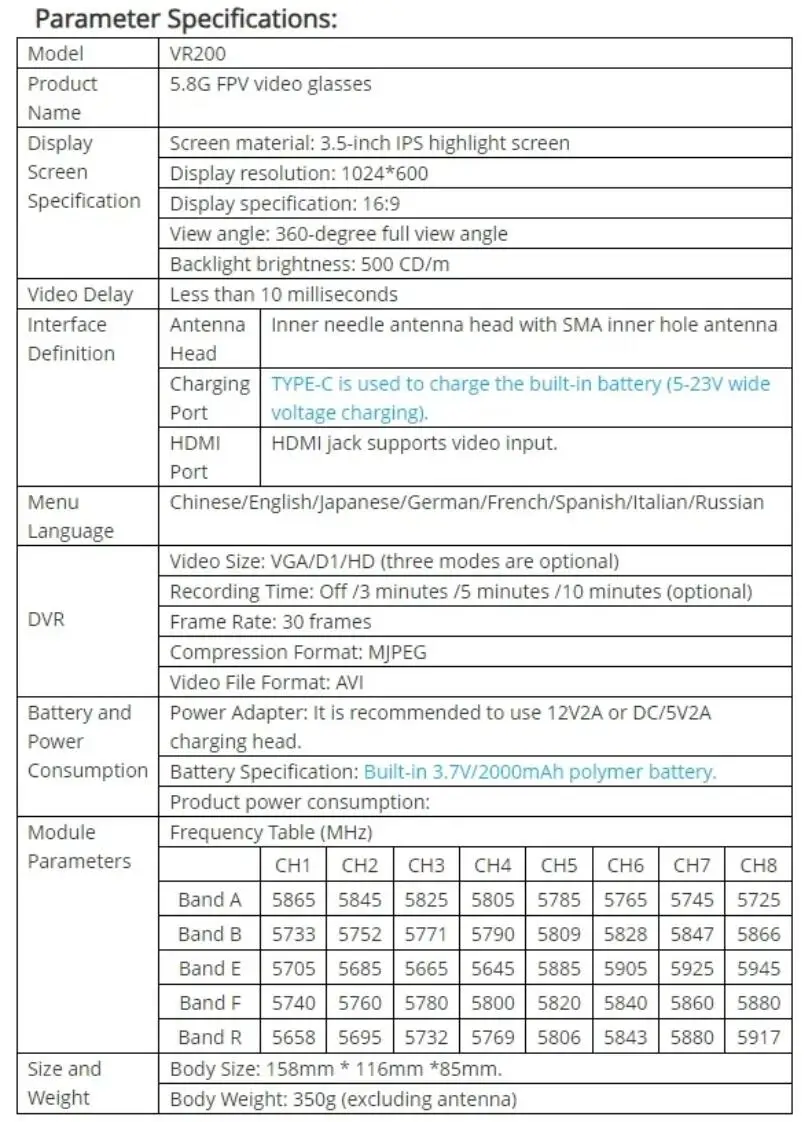
Size: 1024*600
Technical parameters: value 2
Tool Supplies: 3.5 inch FPV Goggles
Upgrade Parts/Accessories: VR200 FPV Goggles
Use: Vehicles & Remote Control Toys
Wheelbase: Screws

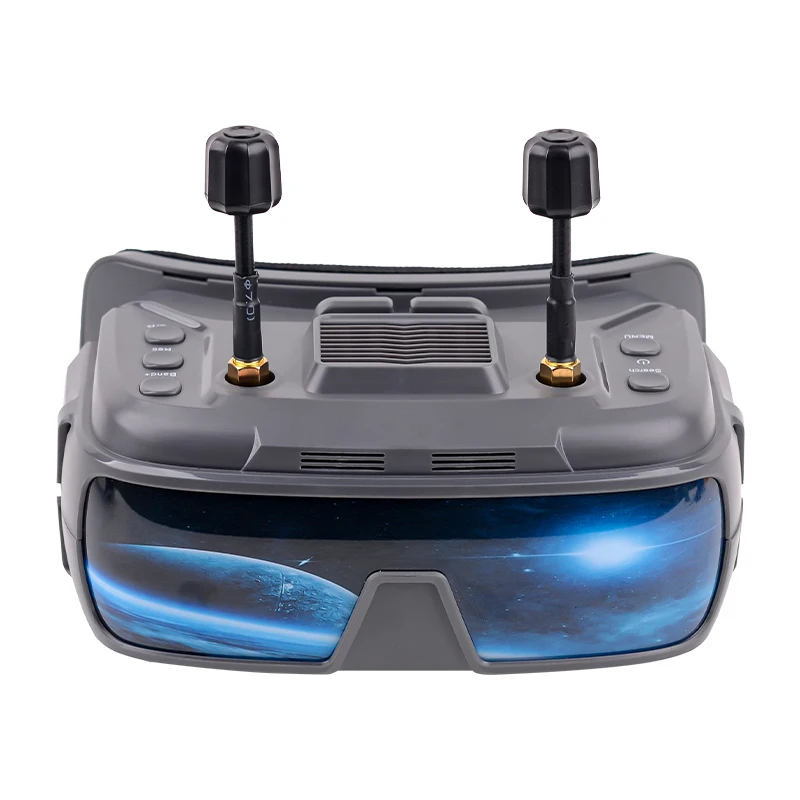
New refractive optical path design, small size and light weight;
The object distance can be adjusted to match 0-700 degree myopia
Low power consumption, working current of 1100mA;
High-sensitivity dual-filtering 5.8G receiving module, strong anti-interference, dual diversity reception, and more stable signal;
The module adopts universal 40 channels with automatic frequency searching function;
Adopt 3.5-inch 1024*600 resolution high brightness IPS screen;
Built-in 3.7V/2000mAh large-capacity li-polymer;
Universal TYPE-C charging interface, which supports 5-23V wide voltage charging;
Real-time video return with zero delay;
Support menu in 8 languages;
Support external HDMI signal input;
Support HDMI signal video input DVR for recording;


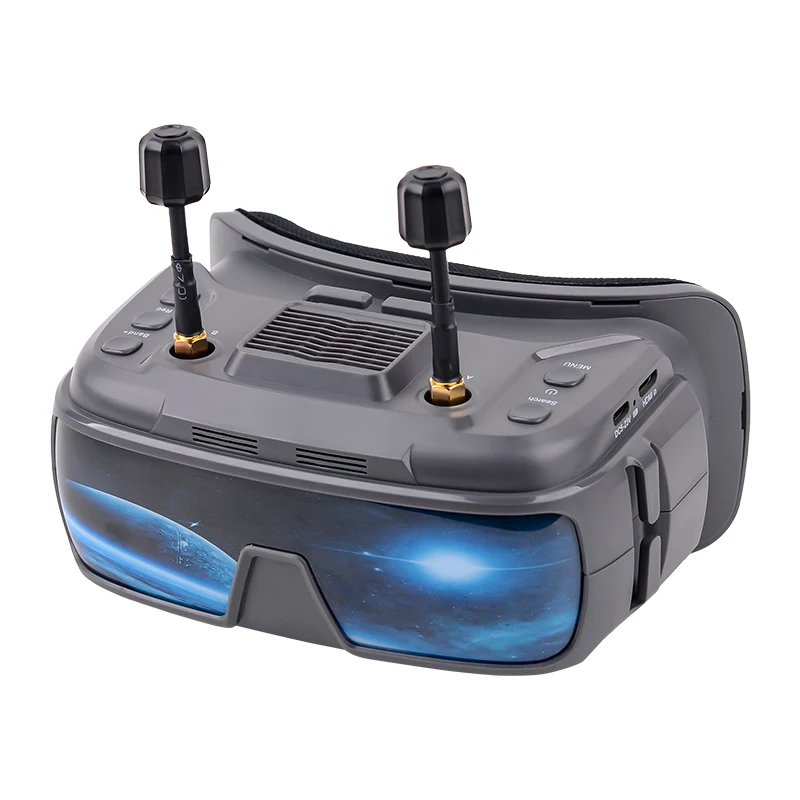
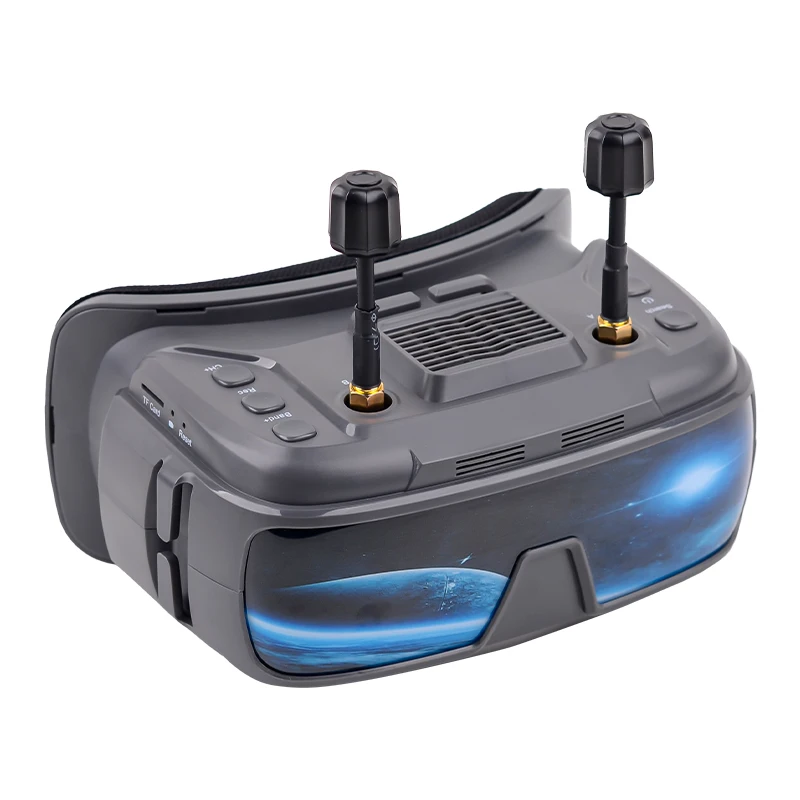
Key/Interface Function Description:
1. Video instruction: Display different working states of DVR.
2. TF card: TF card slot (maximum 32G high-speed memory card can be inserted)
3. Adjusting gear A: Rotating the gear can push the position of the inner lens to move, thus adjusting the object distance.
4. Power button: long press (3 seconds) to turn on/off; Short press to enter the menu and switch to the next menu every time you press it.
5. Search button: short press the automatic search signal (finally lock the frequency point with the strongest signal). Long press for 3 seconds to enter the HDMI input mode.
6. Antenna head A: Inner needle antenna head is equipped with SMA inner hole antenna.
7. Fan outlet
8. Antenna head B: Inner needle antenna head is equipped with SMA inner hole antenna.
9. Band+button: short press to switch frequency band (cyclically switch A-B-E-F-R frequency band). In menu mode, it is-.
10. RED button: short press to start recording/stop recording.
11. CH+key 11: short press to switch frequency points (cyclically switch frequency points 1-2-3-4-5-6-7-8), which is+in menu mode.
12. Adjusting gear B: Rotating the gear can push the position of the inner lens to move, thus adjusting the object distance.
13. Charging port: TYPE-C interface is adopted to support DC5-23V charging.
14. Charging instruction: red when charging, and green when full.
15. HDMI interface: mini HDMI jack is adopted to support external video input.
Menu instruction:
In boot mode, press Power briefly to enter the menu bar.
In the menu bar mode:
Key 4: Scrollable option
Key 5: Automatically search for channels.
Key 9: Parameter Adjustment+
Key 10: Invalid
Key 11: Parameter Adjustment-
Playback instruction:
In menu mode, select DVR option to enter DVR playback mode.
In DVR mode:
Key 4: Return/Exit the playback mode.
Key 5: Delete the current file.
Key 9: Select video forward/adjust fast forward when playing video.
Key 10: Play/Pause
Press key 11 to select the video backward/adjust the rewind when playing the video
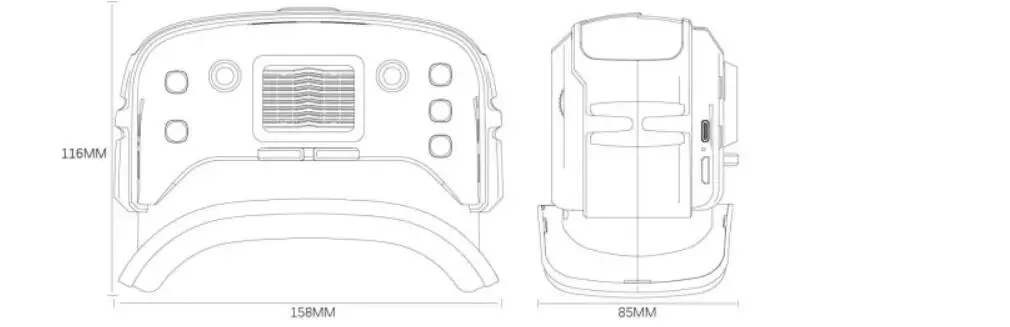
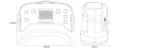
Dimension Drawing:
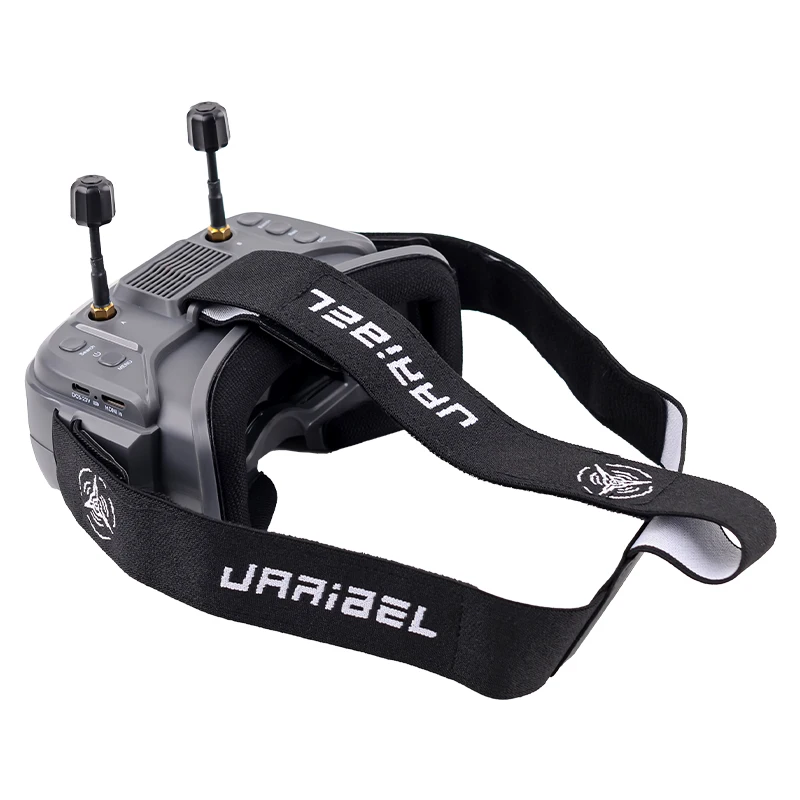
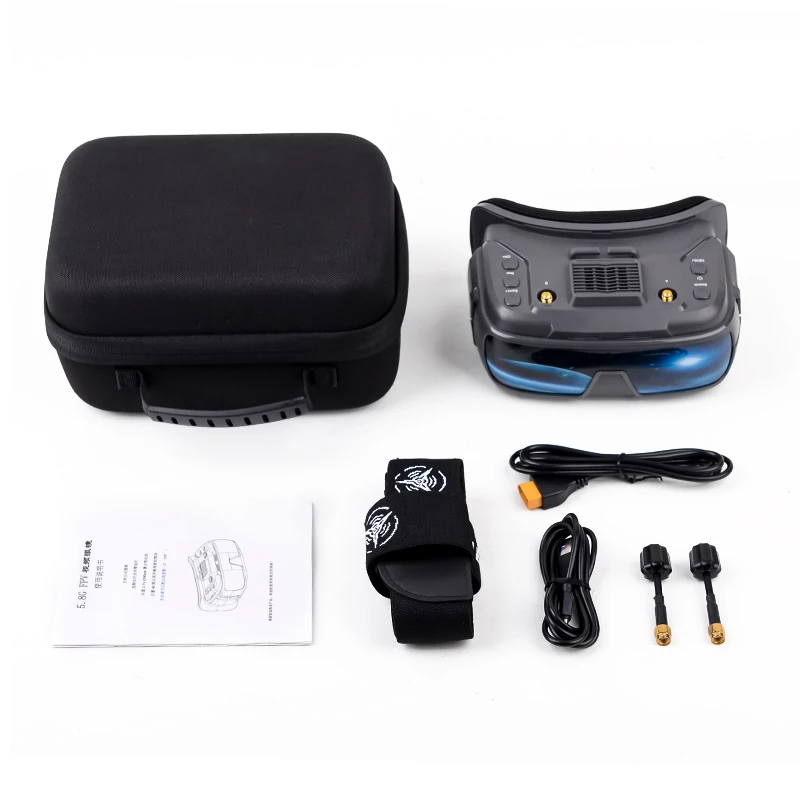
Antenna and headband are not included.

Safety instructions:
1. Please read through the instruction manual before operation to familiarize yourself with the product characteristics!
2. Age recommendation: 14 years or older. Children under 14 years of age using any monitor in close proximity may cause eye development problems. This is not a children's toy!
3. Please avoid using the product in a humid environment!
4. Please use a standard USB charger with charging voltage of 5-23V only.
5. HDMI input and RF input can not work at the same time, it is prohibited to insert external video in RF receiving mode.
6. Please do not use corrosive cleaning agents to wipe the product!



| Default Title | Default Title |
|---|
You must be logged in to post a review.
Reviews
There are no reviews yet.